Staff & Scheduling
Roster, clock and pay — in one place.
Manage your team, build the week, and let AI write the first draft of the roster from everyone’s preferences and the last four weeks of demand. You adjust; you don’t start from a blank grid.
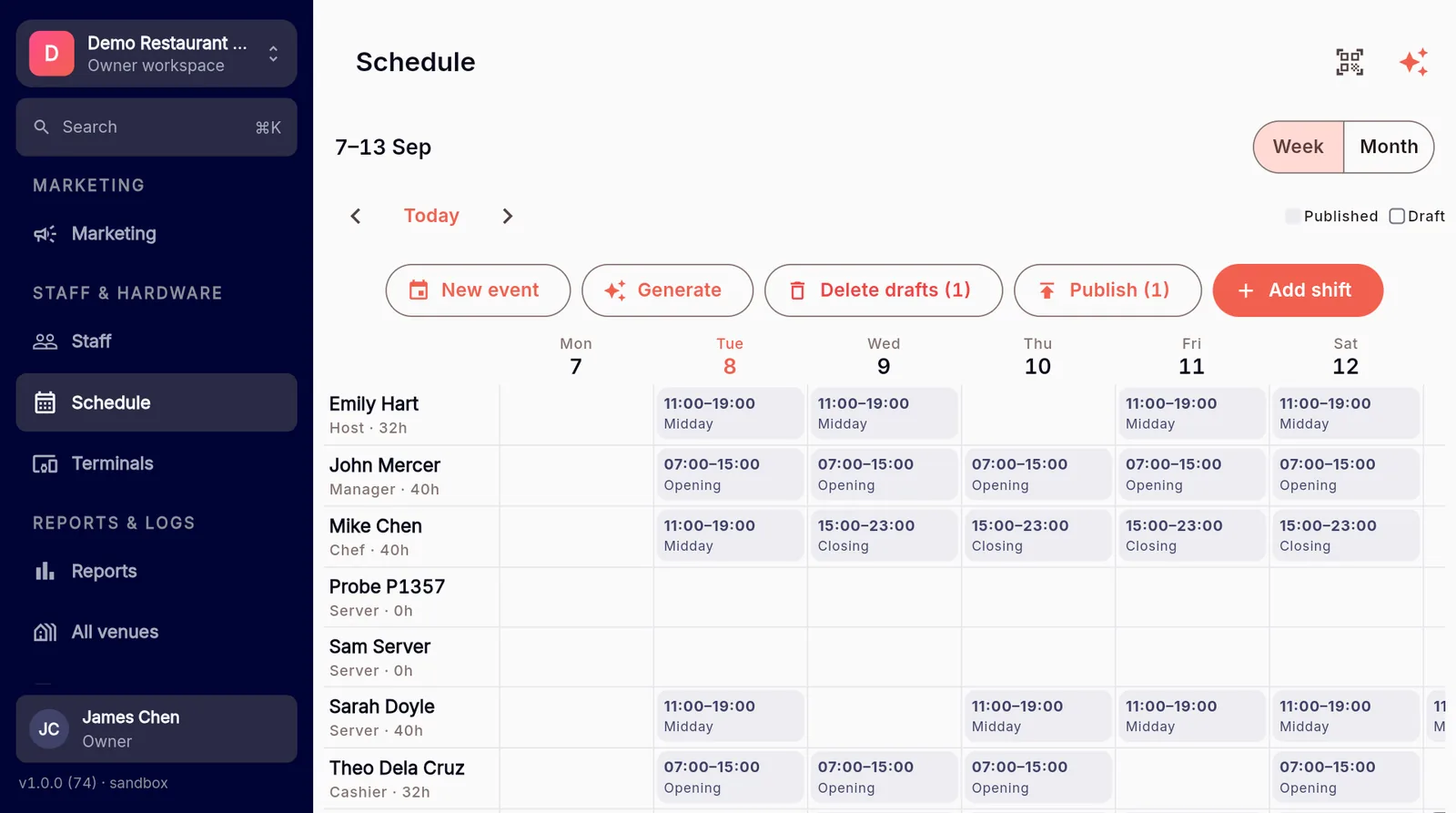
Everyone’s details, in one record.
Roles, hourly rates, hire dates, PINs and multi-venue assignments, plus per-staff preferences — availability, min/max hours, shift types and time-off. Reset a PIN, set someone on leave, all from one place.
- Roles, hourly rates, hire dates, PINs and multi-venue assignments.
- Per-staff preferences: availability, min/max hours, shift types, time-off.
- Status control (active / on-leave / inactive) and password/PIN reset.
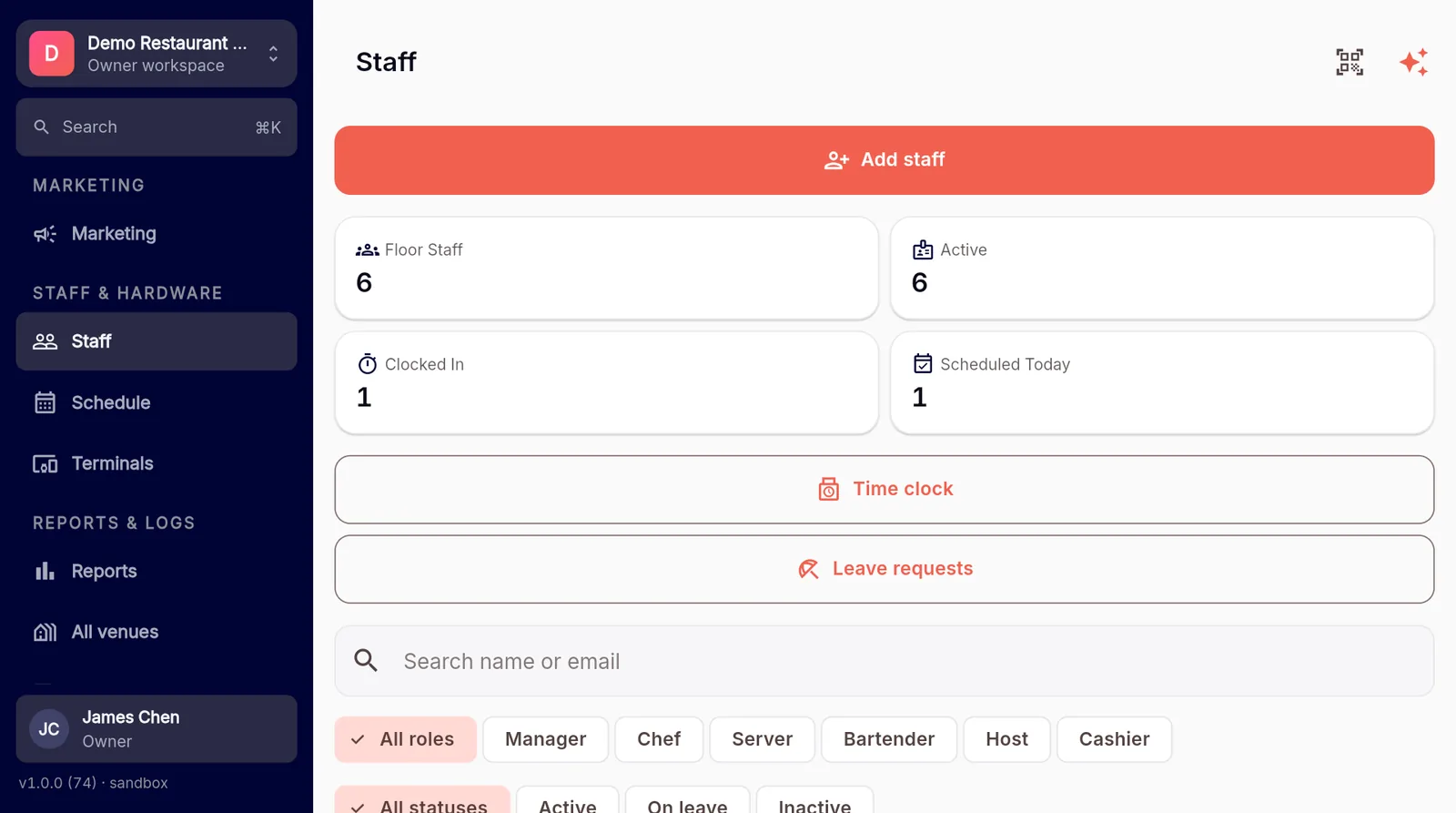
Know who’s on, to the minute.
Staff clock in and out and log breaks — meal, rest or smoke — with stale-shift detection and a live view of who’s currently clocked in. The hours flow straight into payroll.
- Clock in/out with meal, rest and smoke breaks.
- Stale-shift detection so forgotten clock-outs don’t skew pay.
- A live “currently clocked in” view.
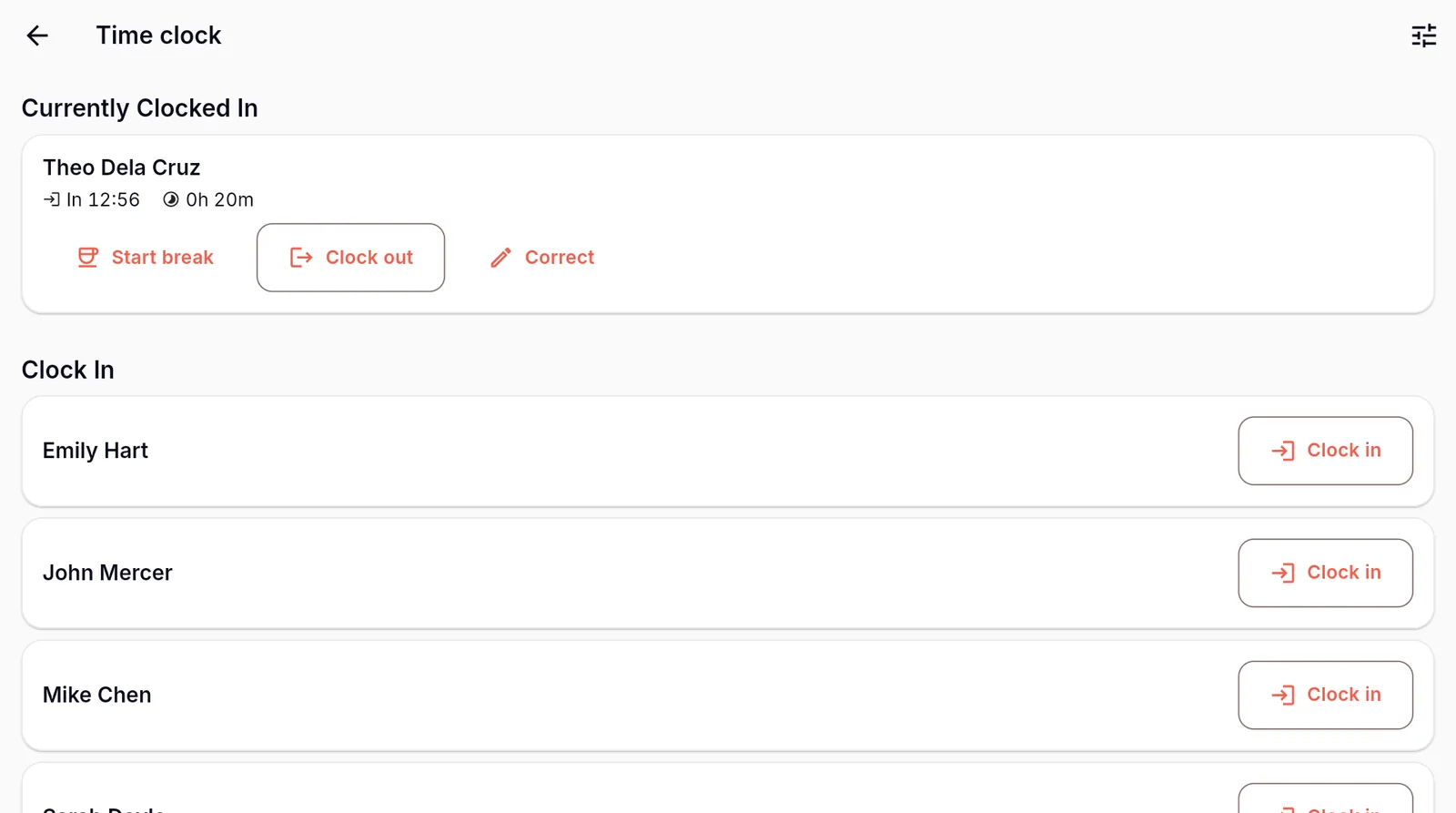
Build the week, tag the events.
Week and month views with Opening, Midday, Closing and Split shift types. Event tags and quick-events staff a whole event at once, then publish-and-email the roster to the team.
- Week / month views; Opening, Midday, Closing and Split shift types.
- Event tags and quick-events — one event, many staff.
- Publish-and-email straight to the team.
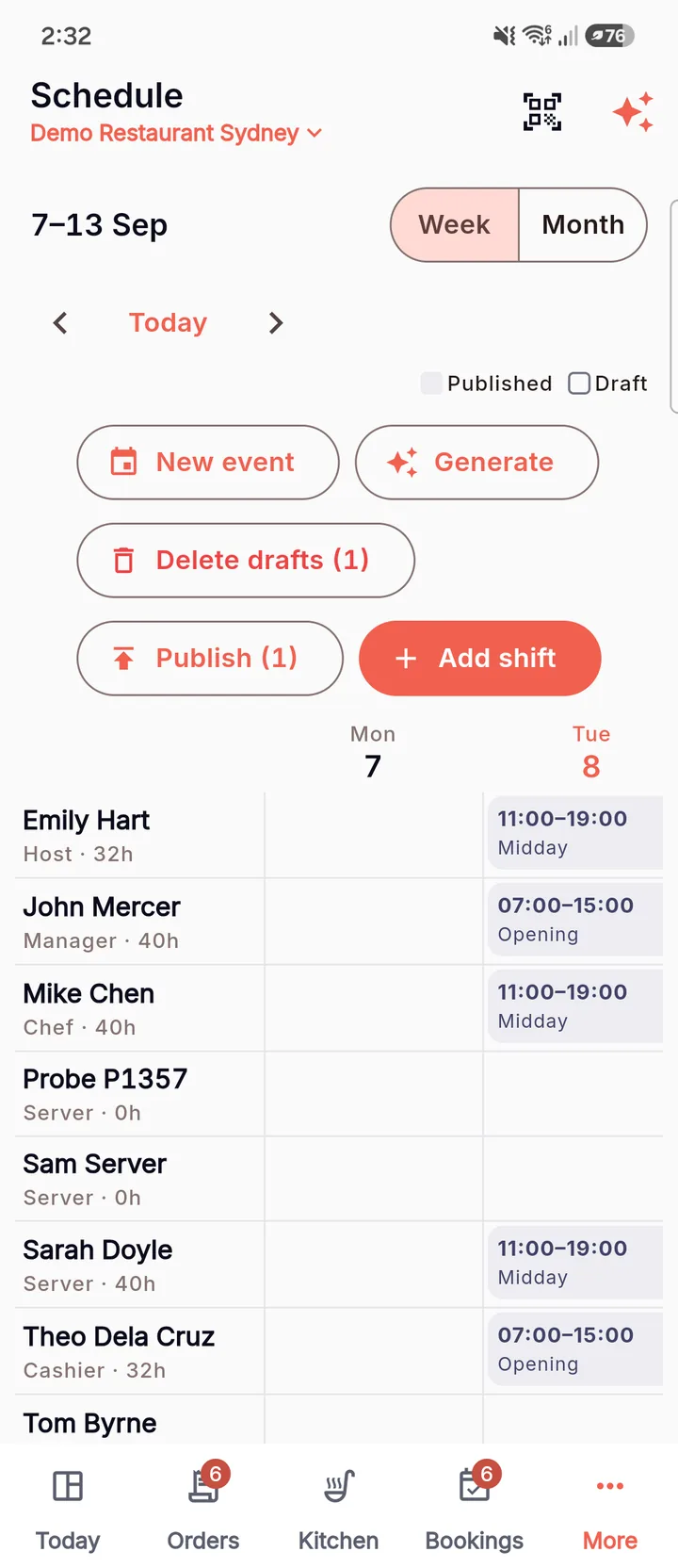
AI draft roster
Start from a draft, not a blank grid.
The AI reads everyone’s availability and time-off, looks at the last four weeks of demand, and writes a first-pass roster. You adjust the edges and publish — minutes, not an afternoon.
It builds from
- Staff availability & shift-type preferences
- Approved time-off
- The last four weeks of demand

See MenuPay running your venue
Book a 20-minute demo. We’ll set up a venue from your menu live, on the call, and show you the parts that matter for your floor.