Online Ordering & Kiosk
The screen your customer sees is the brand.
Mobile-first, low-light ready, and unmistakably yours. Guests scan to order, pay how they like, and watch their order move in real time — on their phone or at a self-service kiosk.
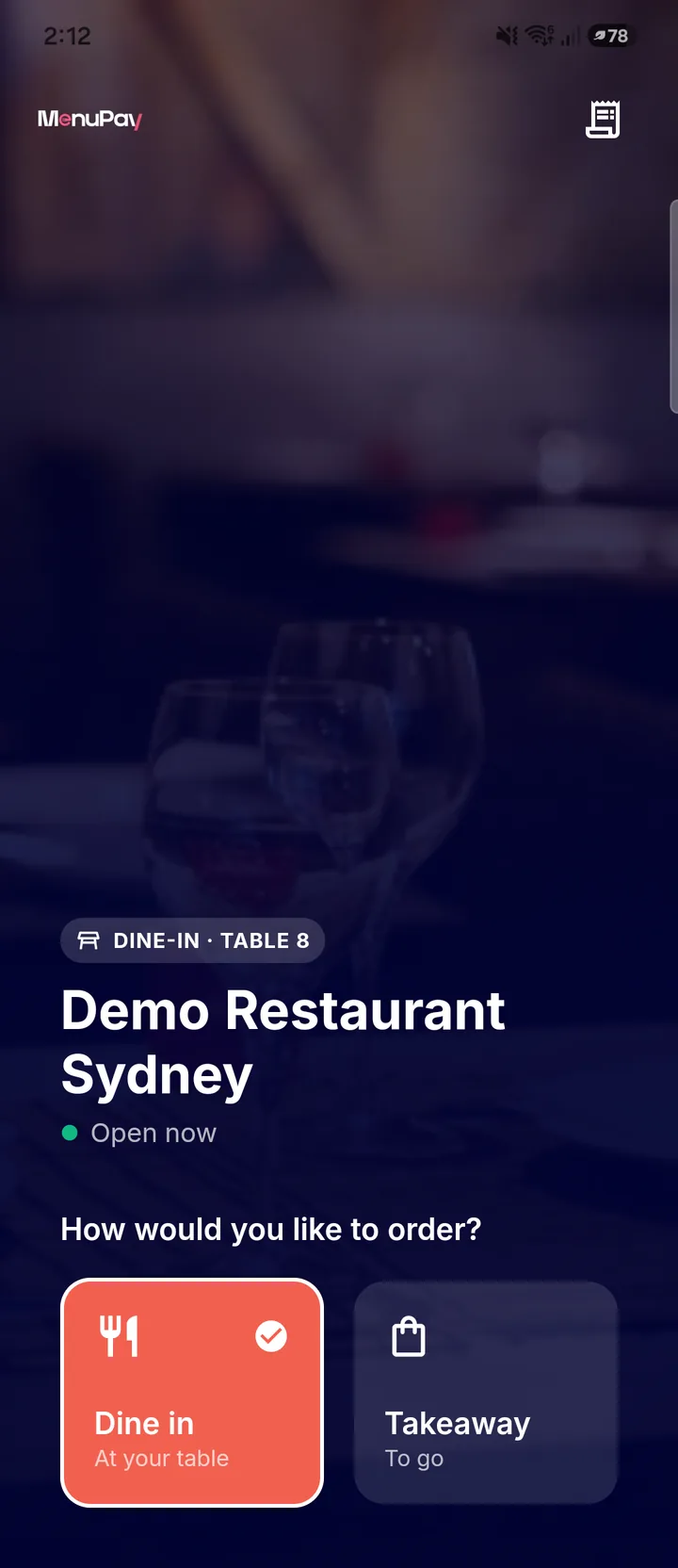
Scan, order, pay — in whatever way suits the guest.
A QR at the table or on the counter starts a dine-in, takeaway or scan-at-table order. Guests check out with Apple Pay, Google Pay, card, PayChoice, or simply pay at the counter.
- QR-to-order for dine-in, takeaway and scan-at-table.
- Self-pay: Apple Pay, Google Pay, card, PayChoice, or pay-at-counter.
- Dietary filters, allergen info and sold-out alternatives built in.
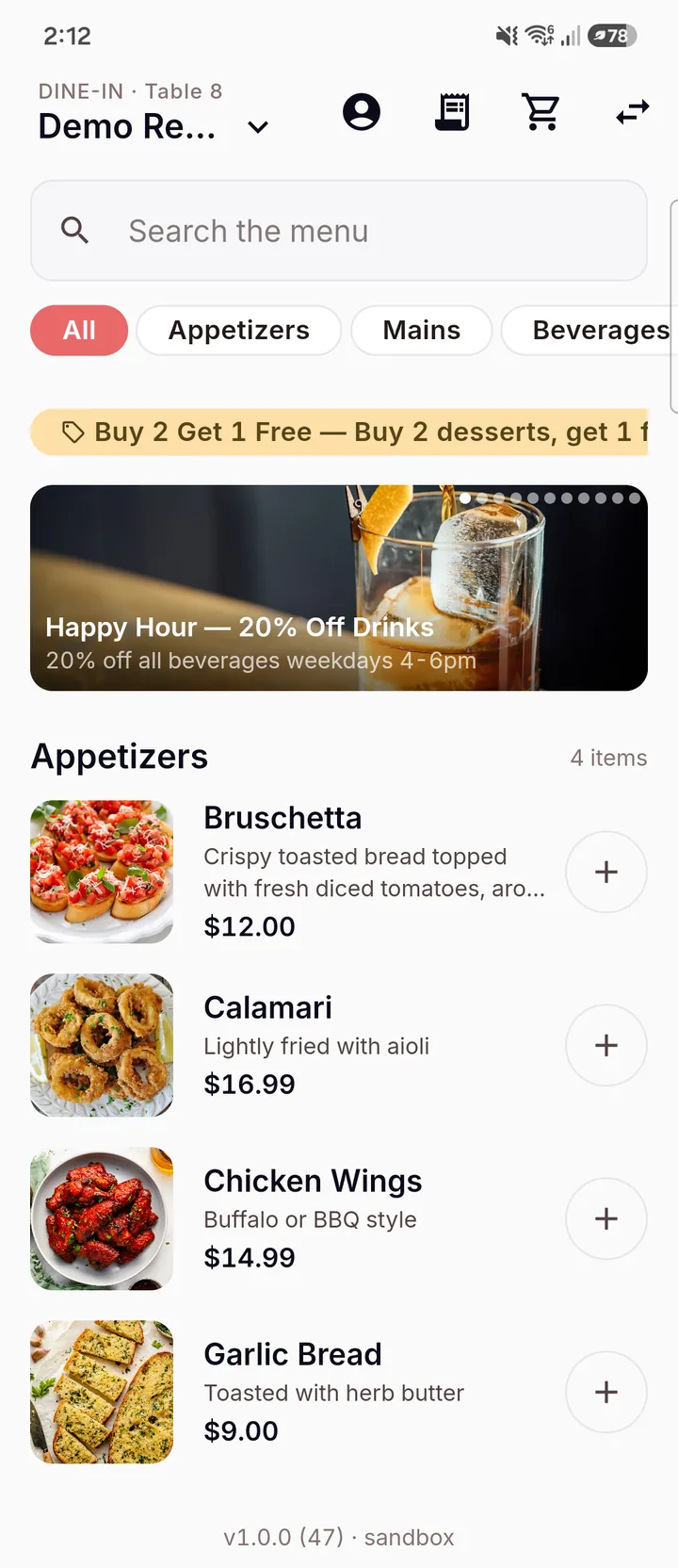
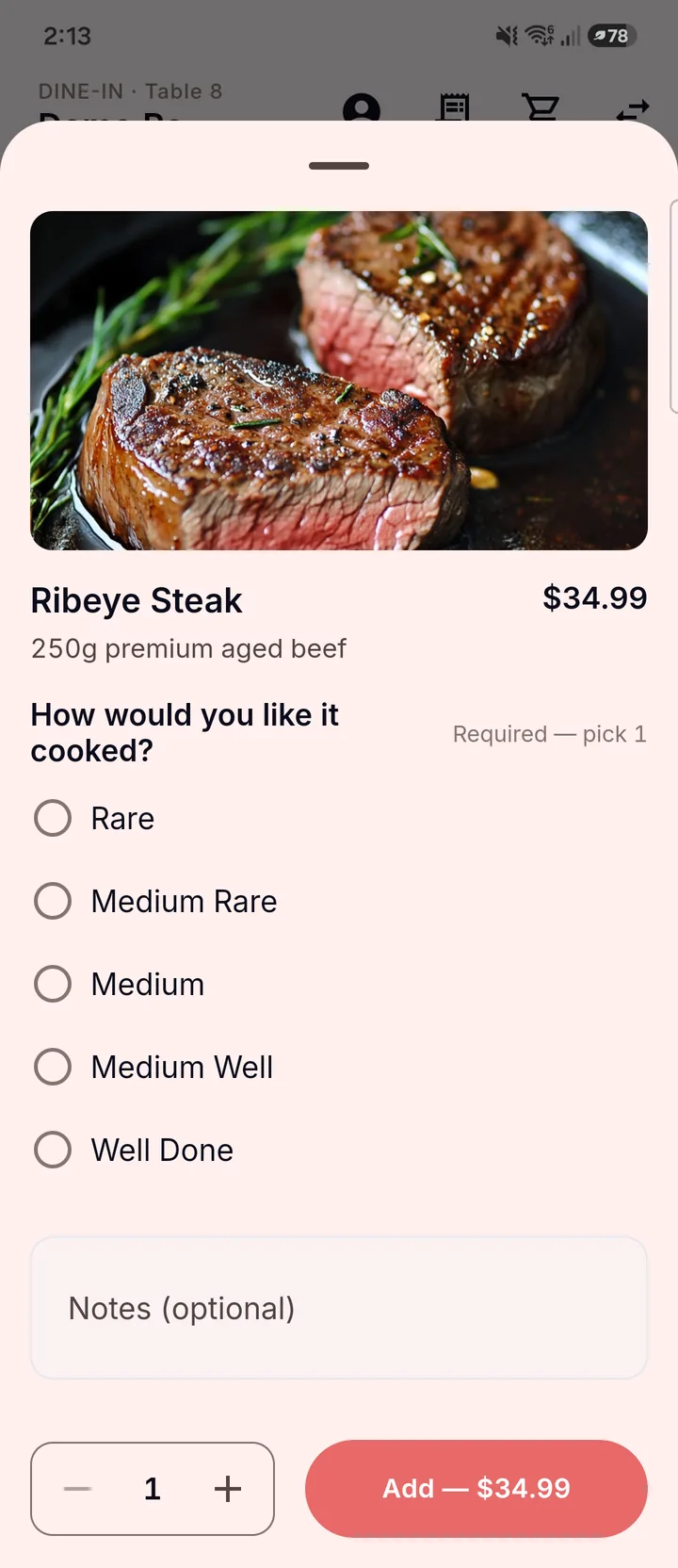
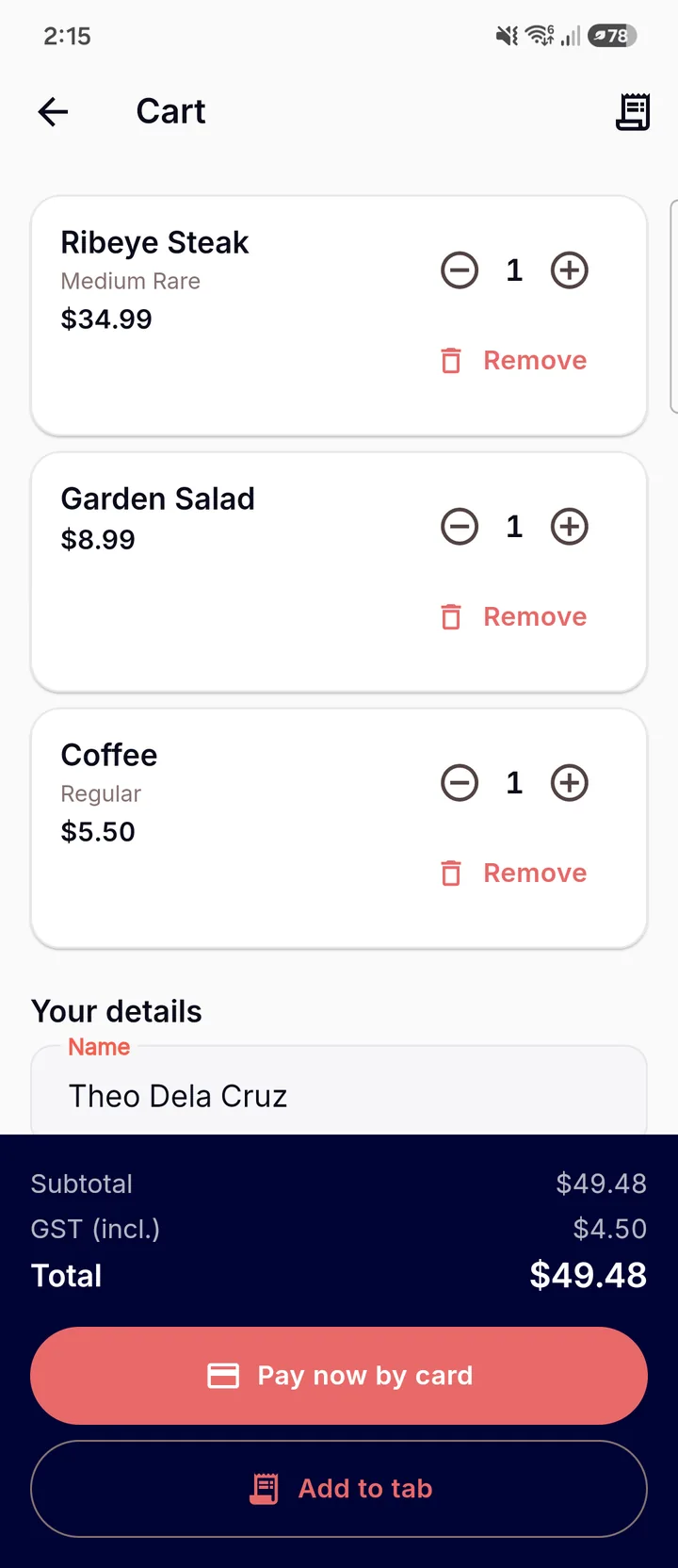
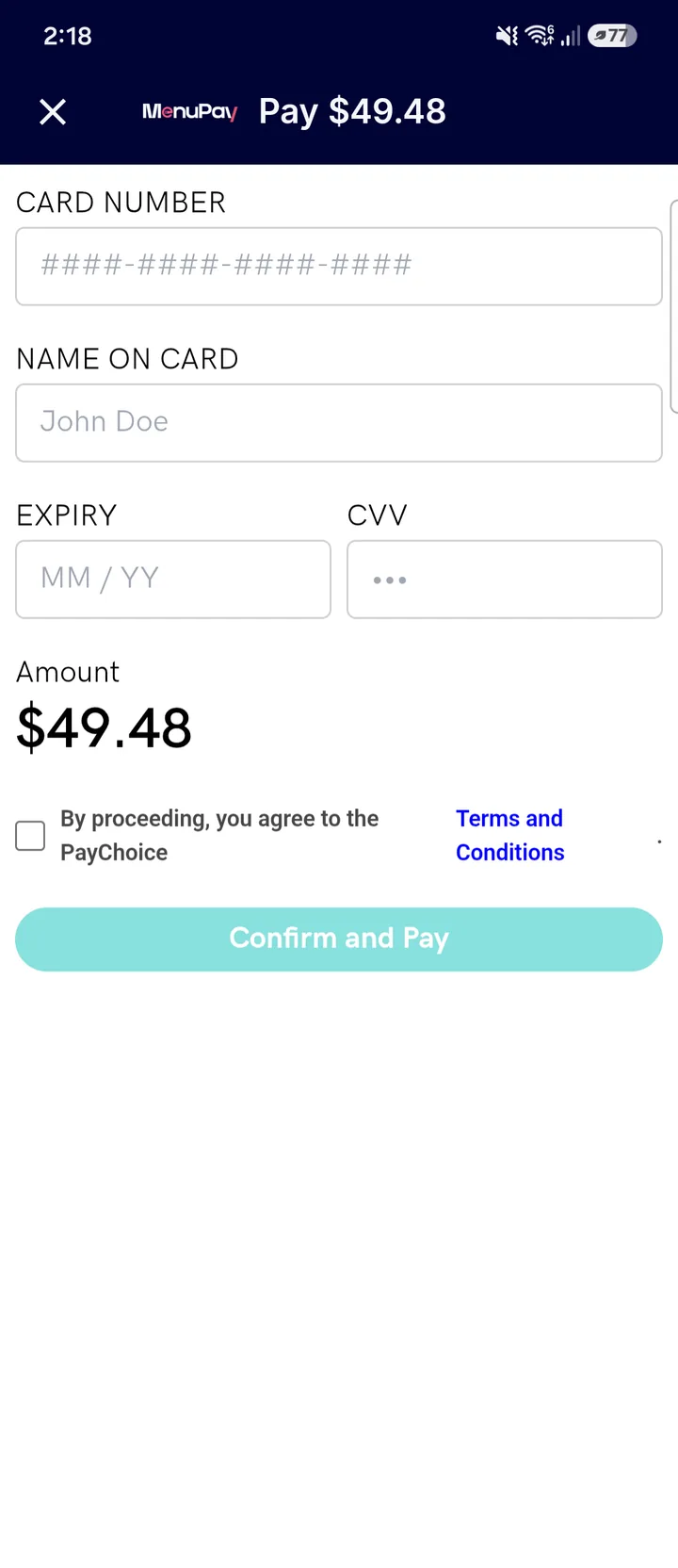
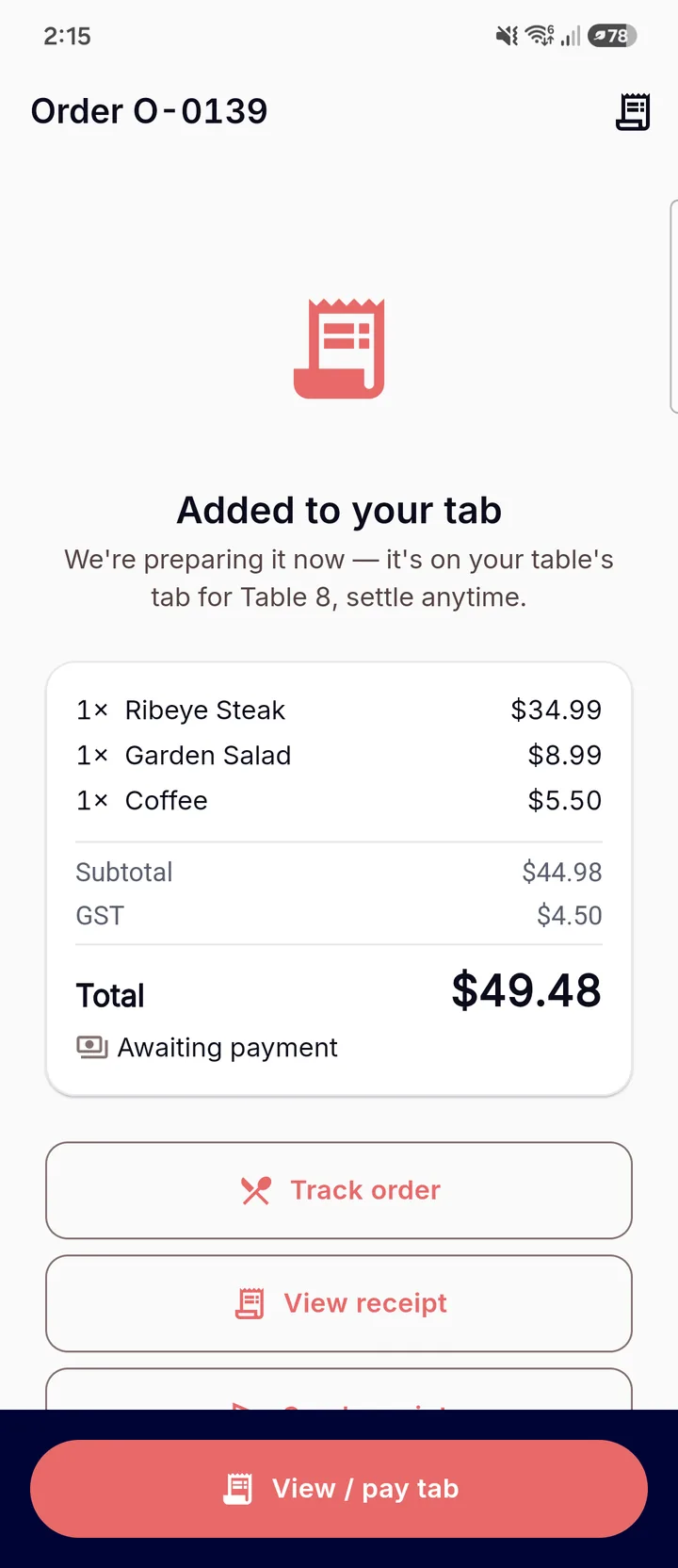
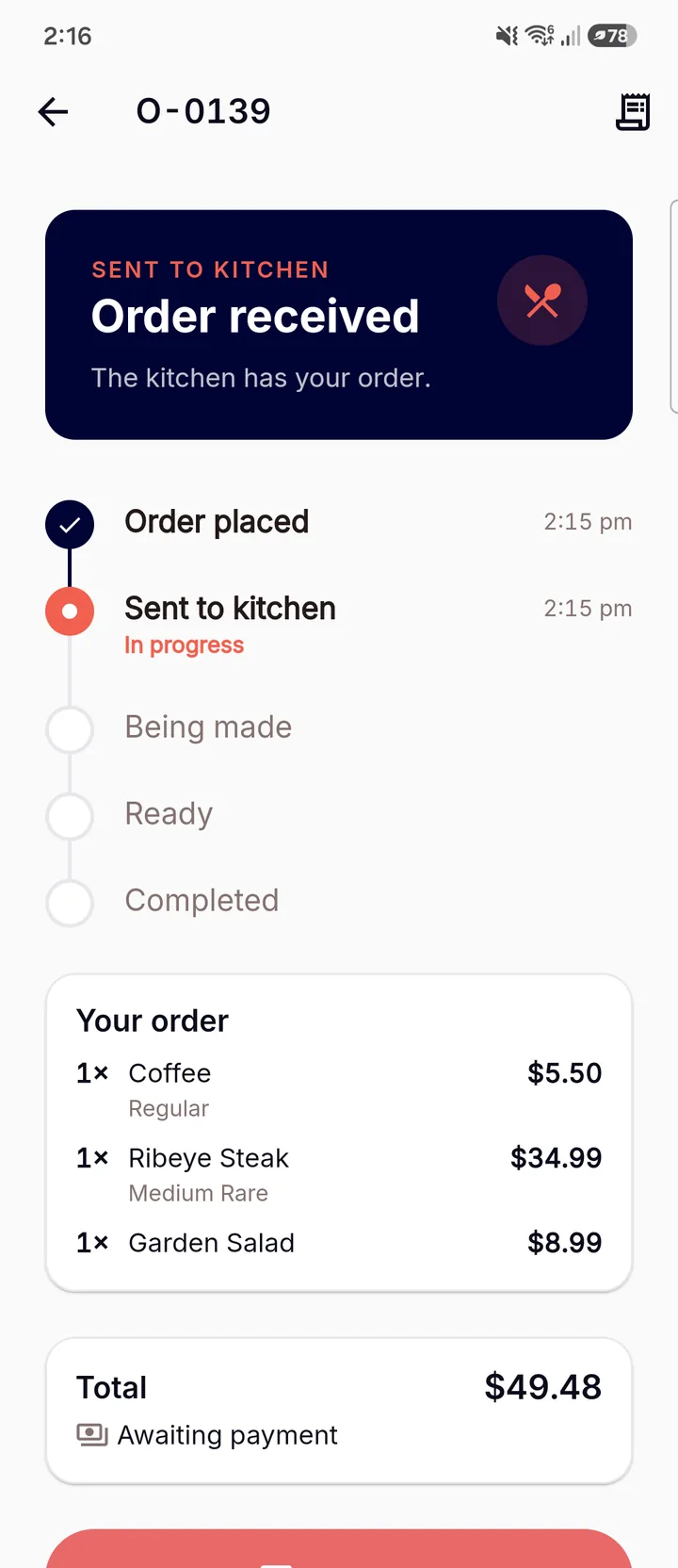
A live timeline, and a payment moment that feels good.
Once they’ve ordered, guests follow a live tracking timeline through to a satisfying payment-success moment — the kind of small, polished detail that makes a venue feel current.
- Live order-tracking timeline from received to ready.
- Allergen info and sold-out alternatives surfaced before they order.
- A considered success state — not an abrupt “thank you” page.
Your colours, your logo, your font — not ours.
The whole ordering portal is yours to brand: colours, logo, hero image and font, with a live preview and shareable per-table URLs and QR codes.
- Brand the portal end-to-end with a live preview.
- Shareable per-table URLs and QR codes.
- Looks like part of your venue, because it is.
Self-service kiosk
Turn the queue into throughput — without losing the brand moment.
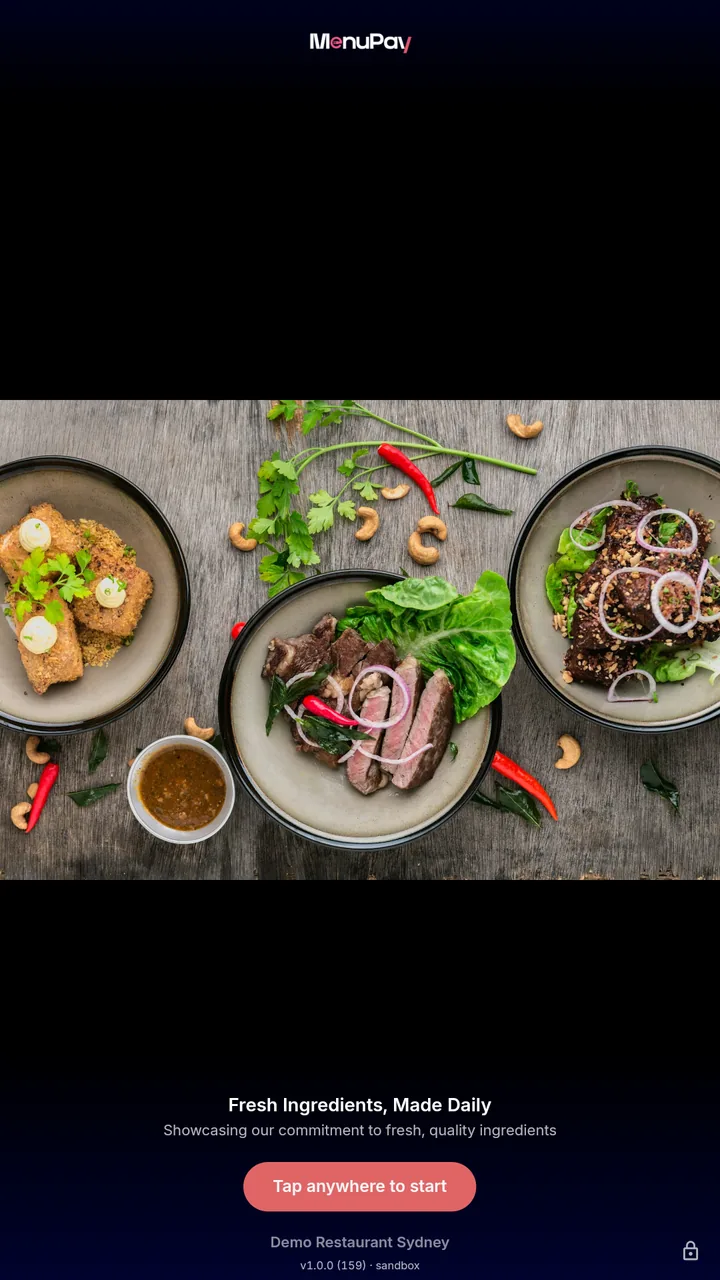
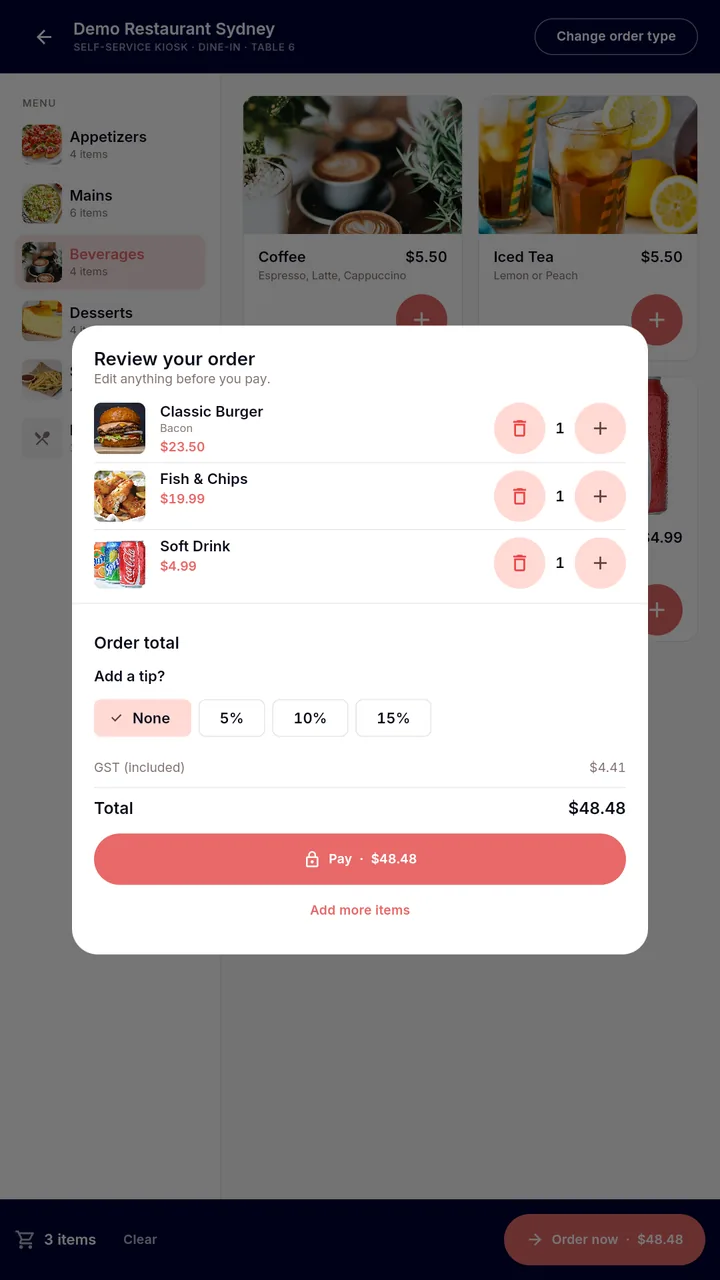
The same ordering experience, sized for a stand. An attract loop pulls people in, ordering is quick and accessible, and the screen resets cleanly between every guest.
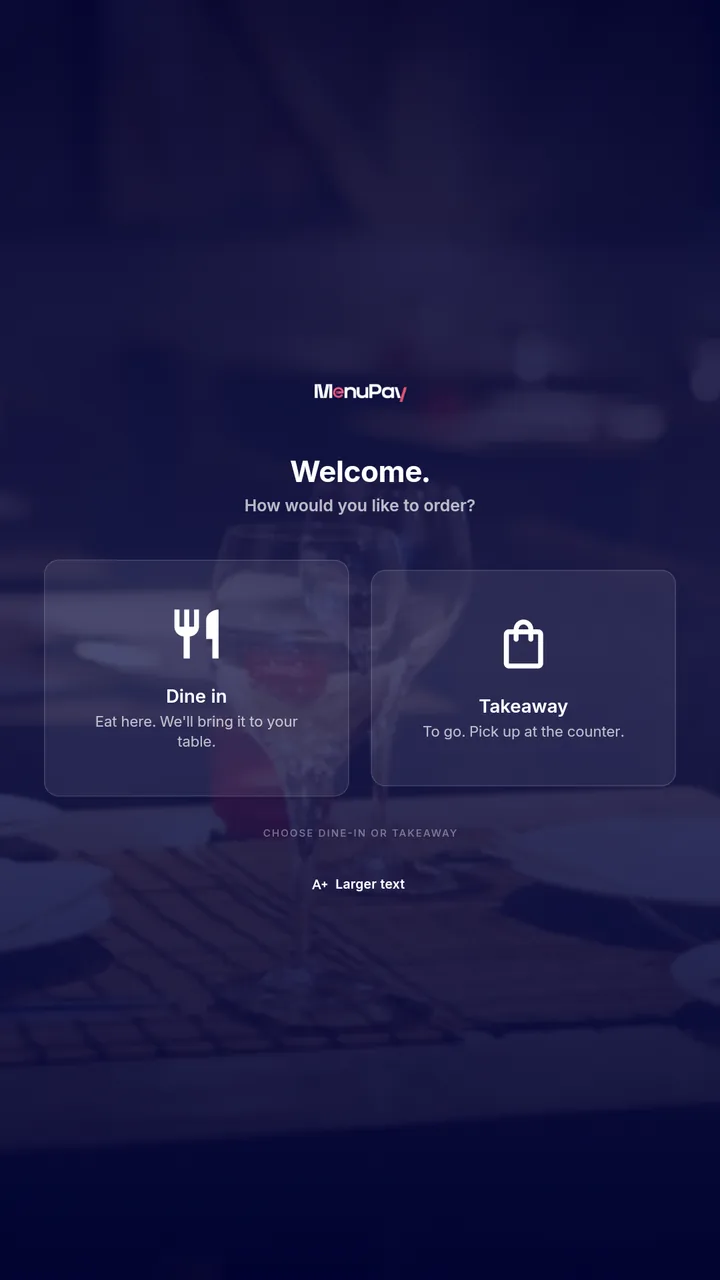
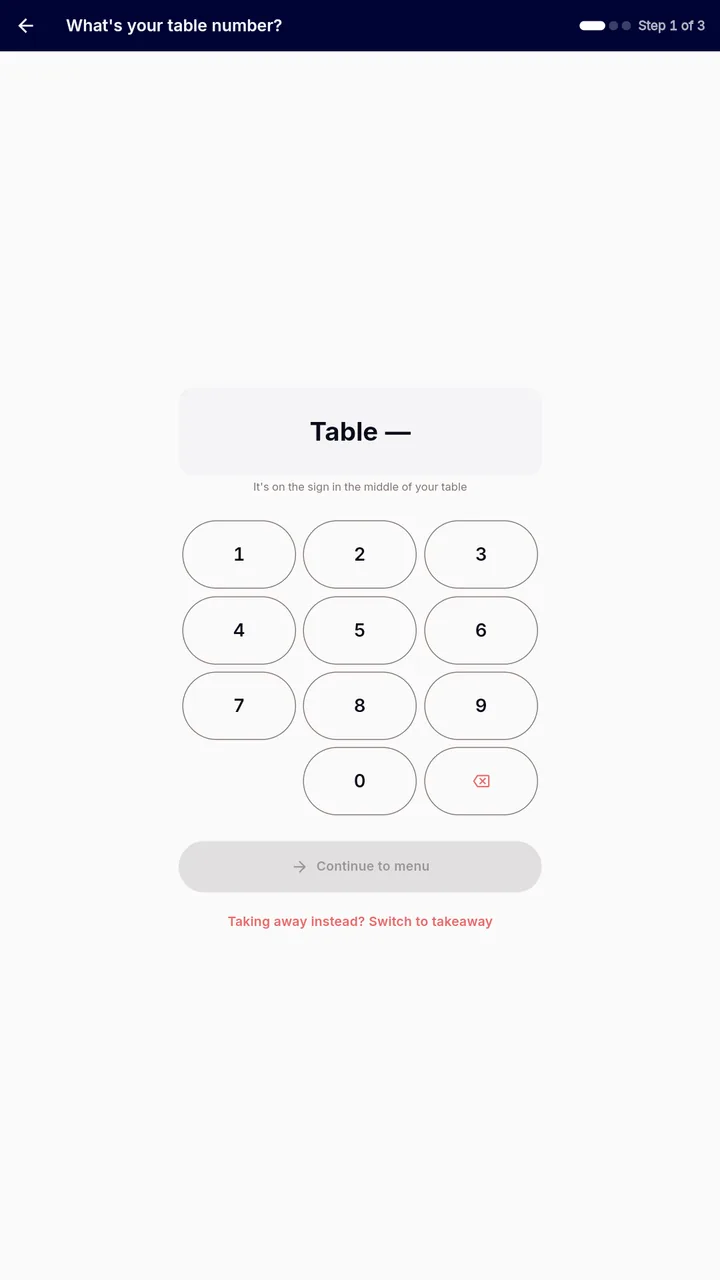
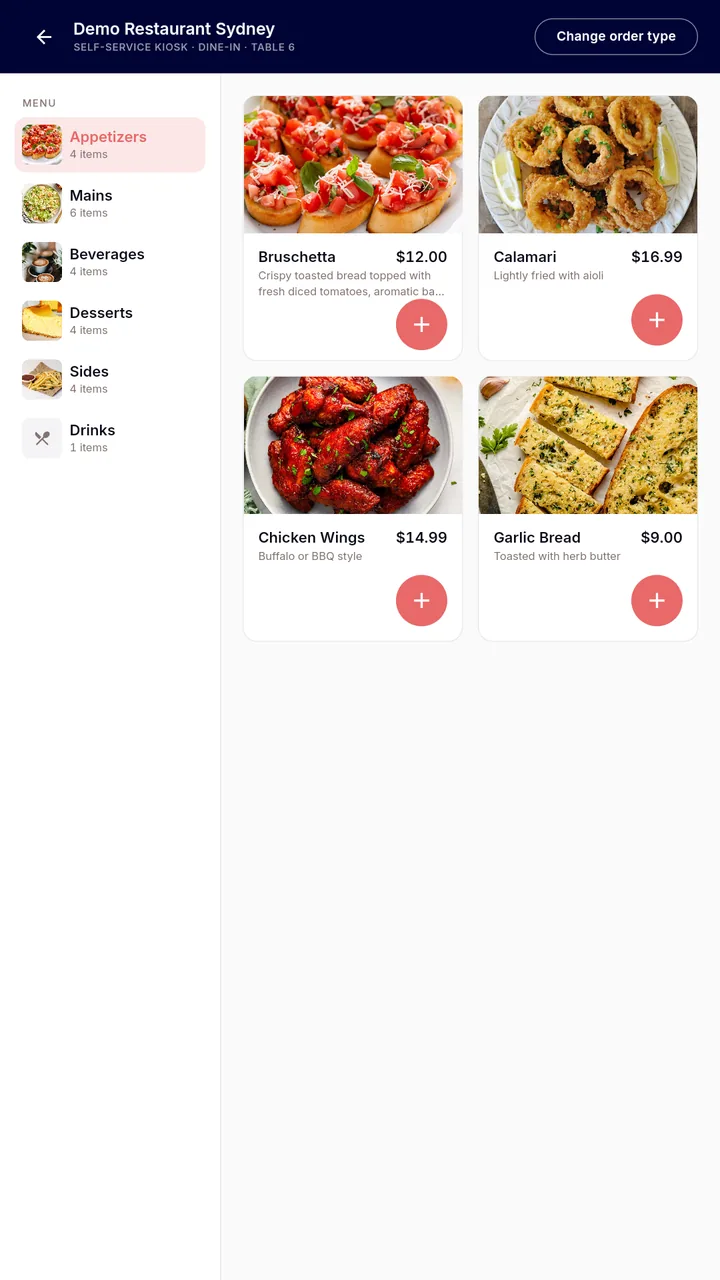
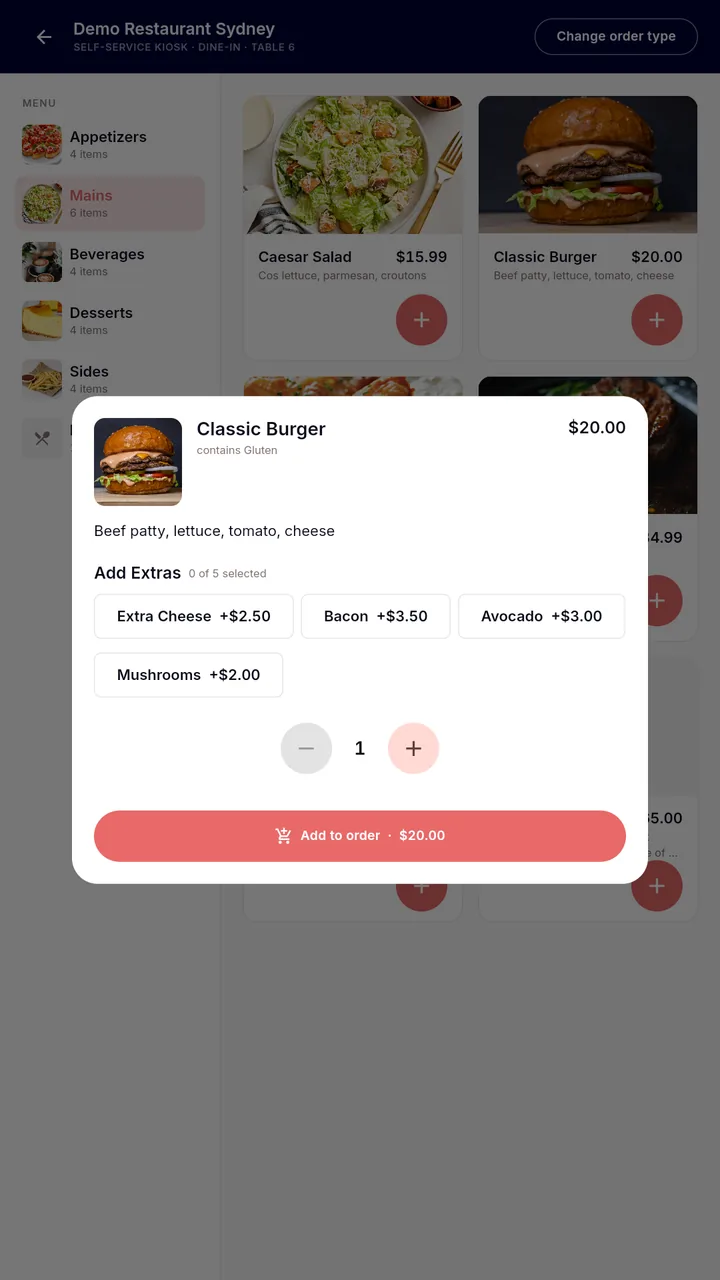
-
Attract to checkout
An idle loop draws people in, then tap-to-start → dine-in or takeaway → menu → pay.
-
Pay any way
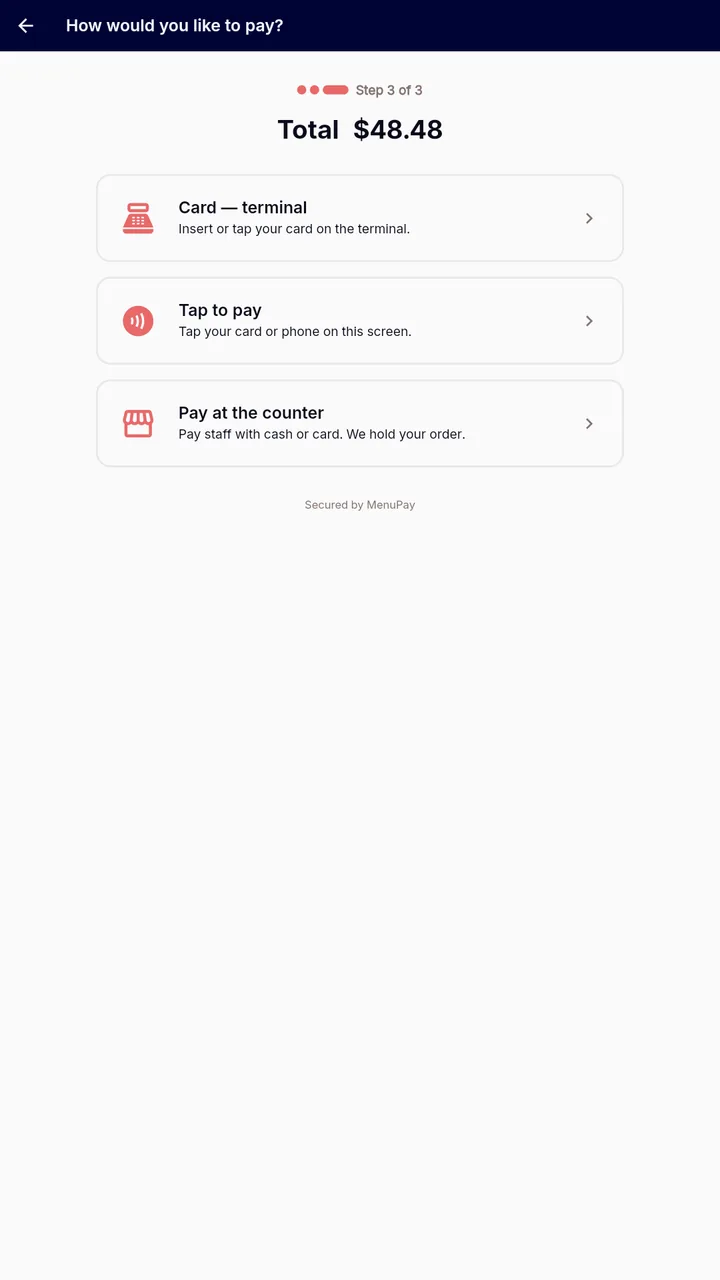
Integrated card terminal, pay-at-counter, or scan a QR to pay on your own phone.
-
Accessible by design
Large-text mode, audio guidance, lowered-reach layout and ≥56px targets, ready for glare.
-
Private between guests
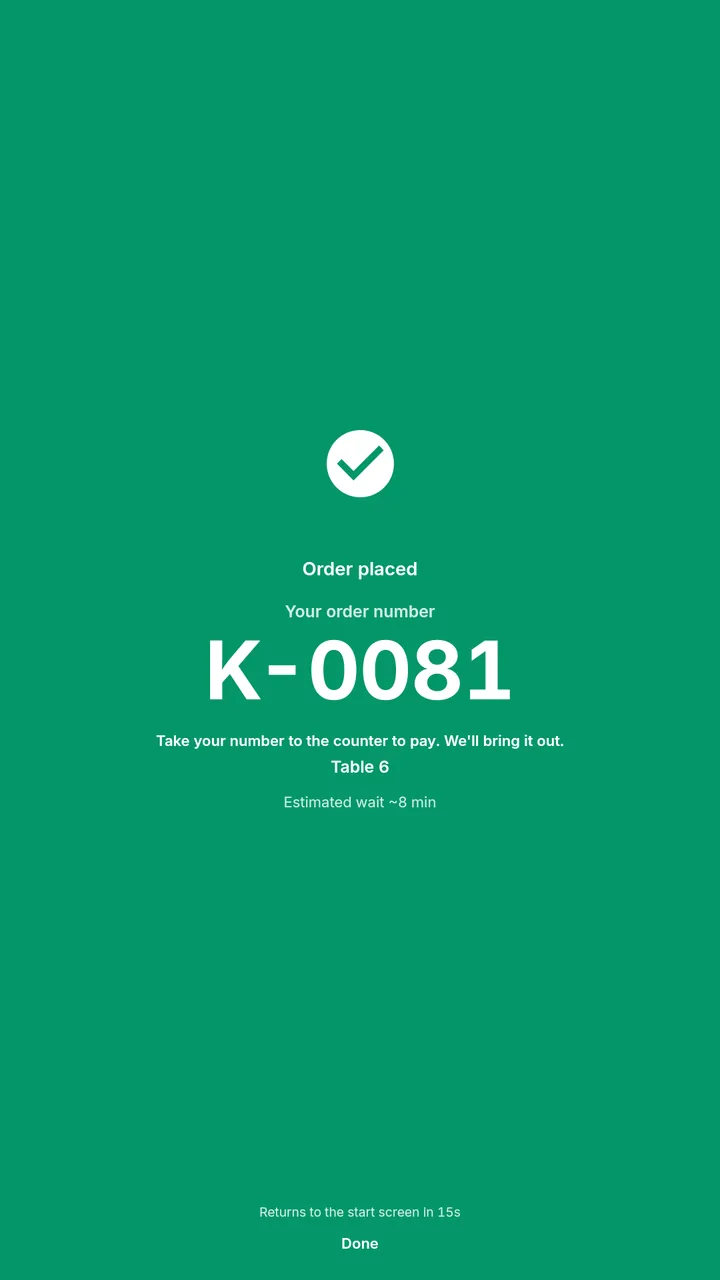
Auto-return and cart-discard between customers — no personal details left on screen.
See MenuPay running your venue
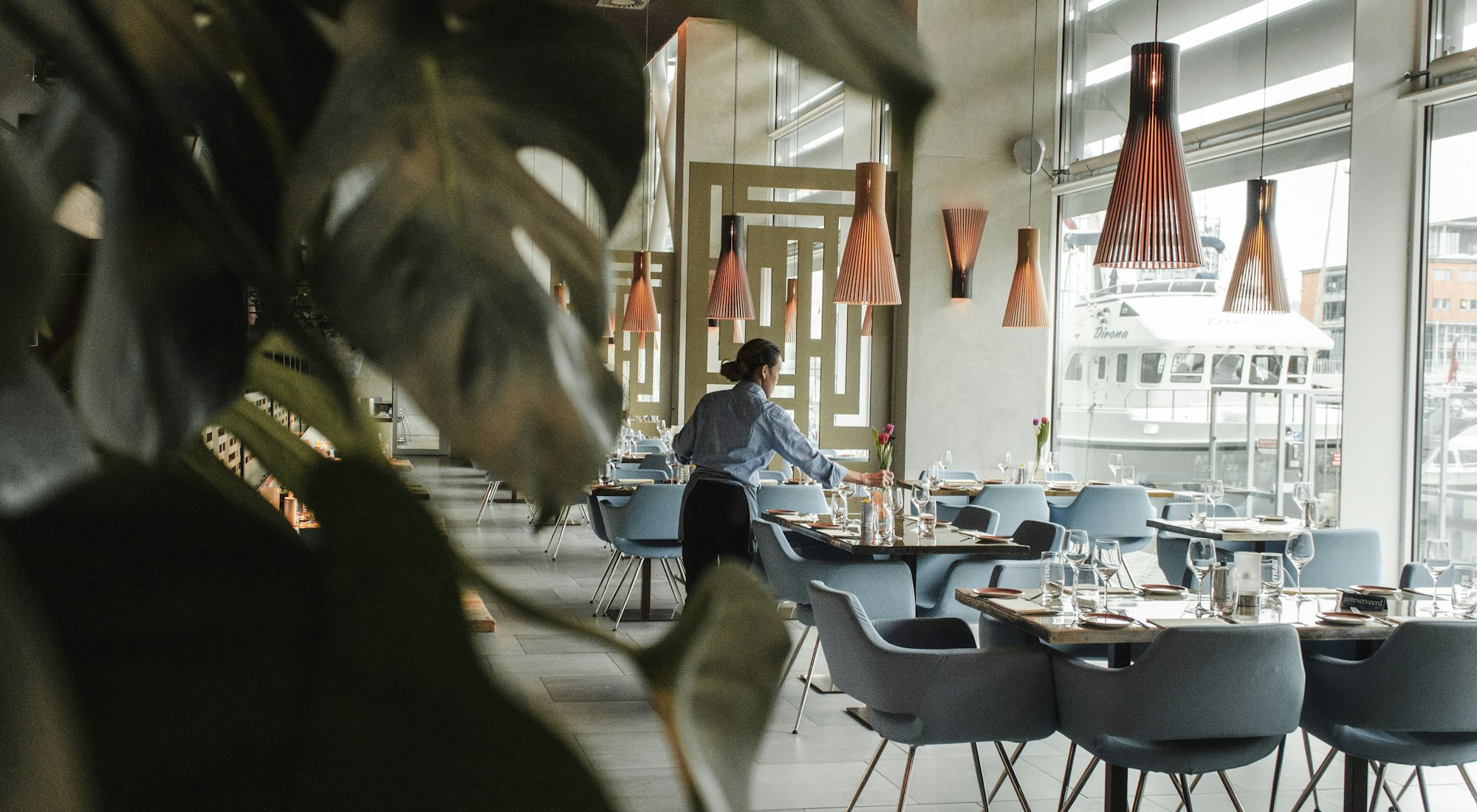
Book a 20-minute demo. We’ll set up a venue from your menu live, on the call, and show you the parts that matter for your floor.